
SSO Rajasthan App 2026: Download Login Registration Features & Fix Guide
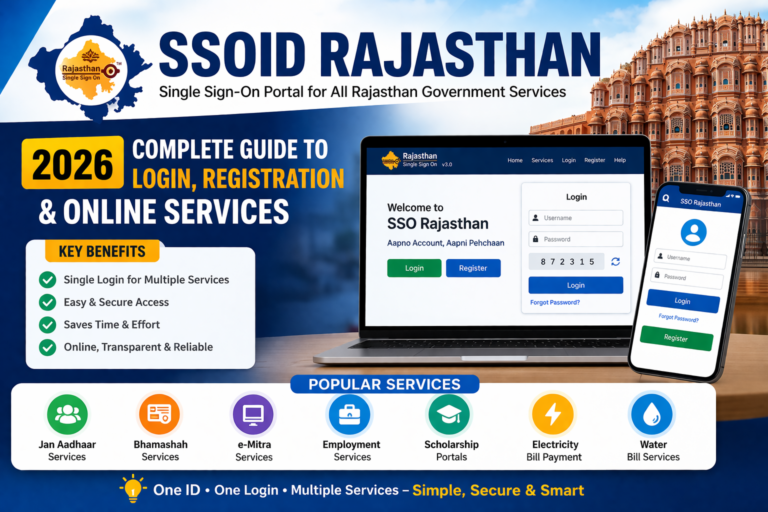
The SSO Rajasthan App is one of the most useful digital services launched by the Government of Rajasthan. It helps citizens access multiple government services using just one ID and password.use this button for use SSO Rajasthan App :

Instead of visiting different websites for different work, you can simply log in once and use services like eMitra, job portals, scholarship applications, exam forms, and many other citizen services.
What is SSO Rajasthan App ?
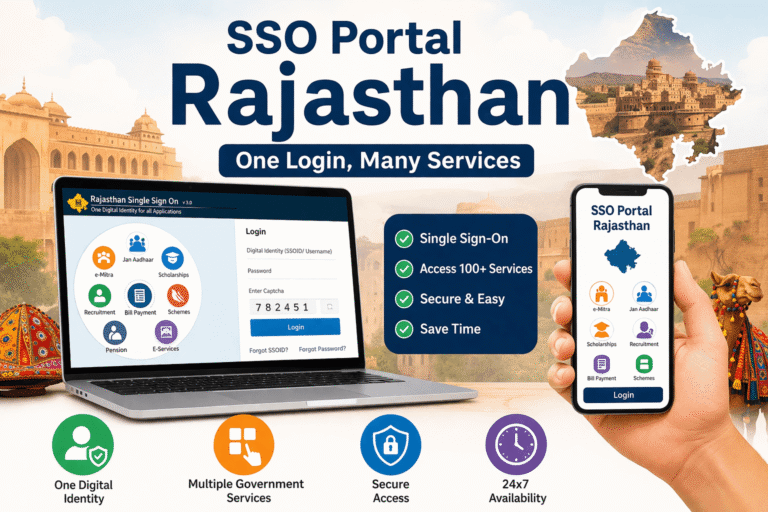
The SSO Rajasthan App is an official application based on the Single Sign-On system. SSO means you can access multiple government portals using one login.
It is mainly used by:
- Students
- Job seekers
- Rajasthan government employees
- Business owners
- General citizens
With one SSO ID, you can use many services without creating separate accounts again and again.
Why SSO Rajasthan App is Important in 2026?
In 2026, most Rajasthan government services have shifted online. Many job forms, recruitment processes, scholarship portals, and citizen services now require an SSO login.
That’s why having an SSO ID and using the Rajasthan SSO app has become very important.
Main reasons people use it:
- Saves time and effort
- Easy access to many services in one place
- Fast login system
- Useful for government job applications
- Works well for online forms and tracking services
Key Features of SSO Rajasthan App
Here are some top features of the Rajasthan SSO app:
- One ID for multiple government services
- Easy login with password and captcha
- Secure OTP verification (when needed)
- Direct access to eMitra services
- Job portal and recruitment access
- Scholarship and student services
- Dashboard system to manage your work
SSO Rajasthan App (Official Method)
Many people search for Rajasthan SSO app downloa and end up on fake websites. To stay safe, always download it only from the official source.
How to Download Rajasthan SSO APP
Follow these steps:
- Open Google Play Store
- Search Rajasthan SSO APP
- Check that it is an official government app
- Click Install
- After installation, open the app and login
⚠️ Tip: Never download SSO apps from unknown websites because fake apps can steal your data.
Rajasthan SSO Login: How to Login in the App
After downloading the app, login is simple if you already have an SSO ID.
Steps for Rajasthan SSO Login
- Open the SSO Rajasthan App
- Click on Login
- Enter your SSO ID / Username
- Enter your Password
- Fill the Captcha code
- Click Login
- If OTP comes, verify OTP and continue
After successful login, you will see the dashboard where all government services are available.
How to Register SSO ID in Rajasthan (2026)
If you are using this service for the first time, you must create an SSO ID. This process is called SSO ID registration Rajasthan.
Steps to Create a New Rajasthan SSO ID
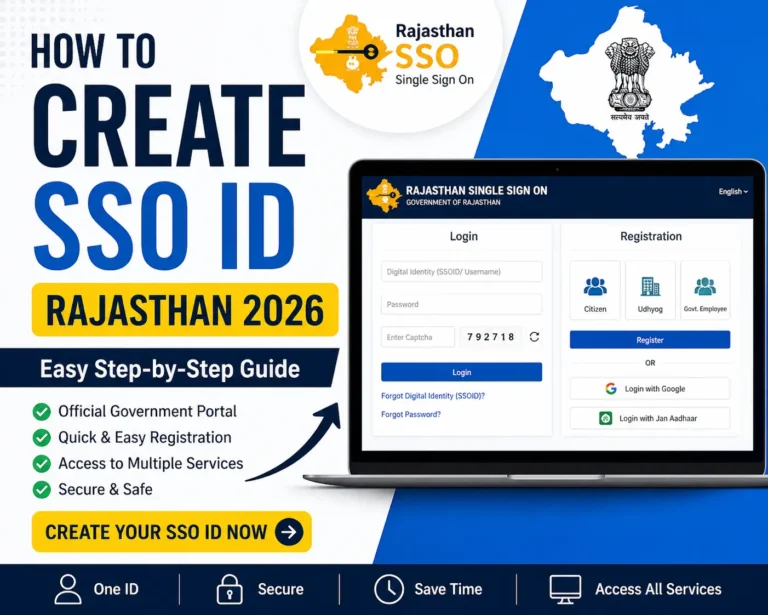
- Open the official SSO portal in your browser
- Click on Register
- Choose your category:
- Citizen
- Udhyog (Business)
- Government Employee
- Enter required details like:
- Name
- Mobile number
- Email ID
- Jan Aadhaar / Aadhaar / Bhamashah details
- Verify OTP
- Create your username and password
- Submit the registration form
Once completed, your Rajasthan SSO ID will be generated successfully.
Beginner Step-by-Step Guide to Use SSO Rajasthan App
If you are a beginner, here is a simple step-by-step method to use the app properly.
Step 1: Install the App
Download and install it from Play Store.
Step 2: Login with Your SSO ID
Enter your username and password.
Step 3: Open the Dashboard
After login, you will see a dashboard with multiple services.
Step 4: Select the Service You Need
You can choose services like:
- eMitra
- Recruitment / Job Portal
- Scholarship portal
- Bill payments
- Citizen services
Step 5: Submit Forms or Requests
Fill out the form and upload required documents.
Step 6: Track Your Applications
You can check application status directly in the dashboard.
This is why the Rajasthan SSO system is considered very useful for both students and citizens.
Services Available on SSO Rajasthan App portal
The Rajasthan SSO platform provides access to many important services.
Some popular services include:
- eMitra services
- Rajasthan government job portal
- Scholarship portals
- Jan Aadhaar services
- Electricity and water bill payment
- Citizen grievance portal
- Recruitment exam applications
- Online certificates and forms
This makes the SSO portal Rajasthan 2026 a complete solution for government-related work.
Common Rajasthan SSO APP Problems and Solutions
Here is a helpful table that explains common issues and how to fix them quickly.
| Problem / Issue | Common Reason | Best Solution |
|---|---|---|
| Rajasthan SSO login not working | Wrong password or server down | Reset password and try after 10 minutes |
| OTP not received | Network delay / DND enabled | Restart phone and request OTP again |
| Captcha not showing | Cache problem | Clear cache and refresh |
| Account locked | Too many wrong attempts | Wait 24 hours and try again |
| App not opening | Old version / low storage | Update app and free storage |
| SSO portal not loading | Server issue / weak internet | Try another browser or wait |
| Forgot SSO ID | Not saved during registration | Use “Forgot SSO ID” option |
| Login keeps refreshing | Cookies issue | Clear cookies and login again |
This table is useful for users and improves your blog engagement too.
How to Reset Password in SSO Rajasthan App
Forgot your password? No problem. You can reset it in a few minutes.
Steps to Reset SSO Password
- Open the SSO login page
- Click on Forgot Password
- Enter your SSO ID or registered mobile number
- Verify OTP
- Create a new password
- Login again with the new password
Tip: Use a password that includes letters and numbers for better security.
SSO Rajasthan App Not Working? Try These Fixes
Sometimes the Rajasthan SSO app may not open, may crash, or may show loading errors. This is usually caused by server overload or app cache issues.
Best Fixes for SSO App Not Working
- Update the app from Play Store
- Restart your phone
- Clear app cache and data
- Check your internet connection
- Use WiFi for stable access
- Try logging in from browser instead
- Wait for some time if server is down
Most users fix the issue just by updating the app.
Rajasthan SSO APP vs SSO Portal Rajasthan: Which is Better?
Many people ask whether they should use the mobile app or the website portal.
Here is a simple comparison:
Rajasthan SSO APP
- Best for quick access on mobile
- Easy to use anytime
- Useful for basic services
SSO Rajasthan Portal (Website)
- Better for filling long forms
- Easy document upload
- Best for job applications
If you are applying for government jobs, the portal on laptop/PC is recommended.
How to Use eMitra Services in Rajasthan SSO APP
One of the most useful features is eMitra integration. Many services like bill payment and certificate applications are available inside eMitra.
Steps for eMitra SSO Login
- Login to Rajasthan SSO app
- Find and open eMitra
- Select your service
- Enter details and pay fees (if required)
- Download receipt after completion
This feature saves time because you don’t need to visit eMitra centers physically for small services.
Is Rajasthan SSO APP Safe?
Yes, the Rajasthan SSO app is safe if you use it properly. It is an official platform controlled by the Rajasthan government.
However, always follow these safety tips:
- Never share your password
- Avoid logging in on public computers
- Use your personal phone for OTP
- Always logout after using the portal
- Avoid fake websites and unknown apps
Benefits of Rajasthan SSO APP for Students and Job Seekers
The Rajasthan SSO system is highly useful for students and job seekers.
Benefits for Students
- Scholarship applications
- Online education services
- Document verification services
Benefits for Job Seekers
- Recruitment forms and job applications
- Admit card downloads
- Exam notifications and updates
- Application status tracking
In 2026, almost every Rajasthan recruitment process requires an SSO login.
Common Issues in Rajasthan SSO APP and Easy Solutions
Here are some common problems and their quick solutions.
SSO ID Not Found
Reason: Wrong username
Solution: Double-check spelling or use mobile number login.
OTP Not Coming
Reason: Network problem
Solution: Wait 1–2 minutes and resend OTP.
Login Error Again and Again
Reason: Cache issue
Solution: Clear cache and try again.
App Keeps Crashing
Reason: Old version
Solution: Update the app from Play Store.
Password Reset Not Working
Reason: Wrong mobile number linked
Solution: Use correct registered number or visit eMitra.
Rajasthan SSO APP Support and Help
If you are unable to solve your issue, you can get help through:
- Help section in the SSO portal
- Rajasthan government support
- Nearest eMitra center
For quick help, eMitra centers are usually the best option.
FAQs About Rajasthan SSO APP (2026)
What if Rajasthan SSO login not working?
Clear cache, reset password, or wait if the server is down.
What is Rajasthan SSO APP used for?
It is used to access multiple Rajasthan government services with one SSO ID.
How can I create a Rajasthan SSO ID?
You can register on the official SSO portal using mobile OTP and Aadhaar/Jan Aadhaar details.
Which browser is best for SSO Rajasthan portal?
Google Chrome and Microsoft Edge are recommended.
Why captcha is not showing?
This happens due to browser cache. Clear cache and refresh the page.
Conclusion
The SSO Rajasthan App is a powerful and time-saving platform for Rajasthan citizens. Whether you are a student, job seeker, or someone who wants to use online government services, this app is very helpful.
In 2026, having an SSO ID is almost necessary for job forms, scholarships eMitra services, and many other official tasks. If you face any issue like OTP errors, login problems or app not working, the solutions in this guide will help you fix it quickly.
If you haven’t created your SSO ID yet, register today and start using Rajasthan’s digital services easily